The whole year
in one glance.
A native macOS calendar that shows all twelve months at once — so you can put what matters on the year before everything else fills it up.
Free · Open source · macOS 14+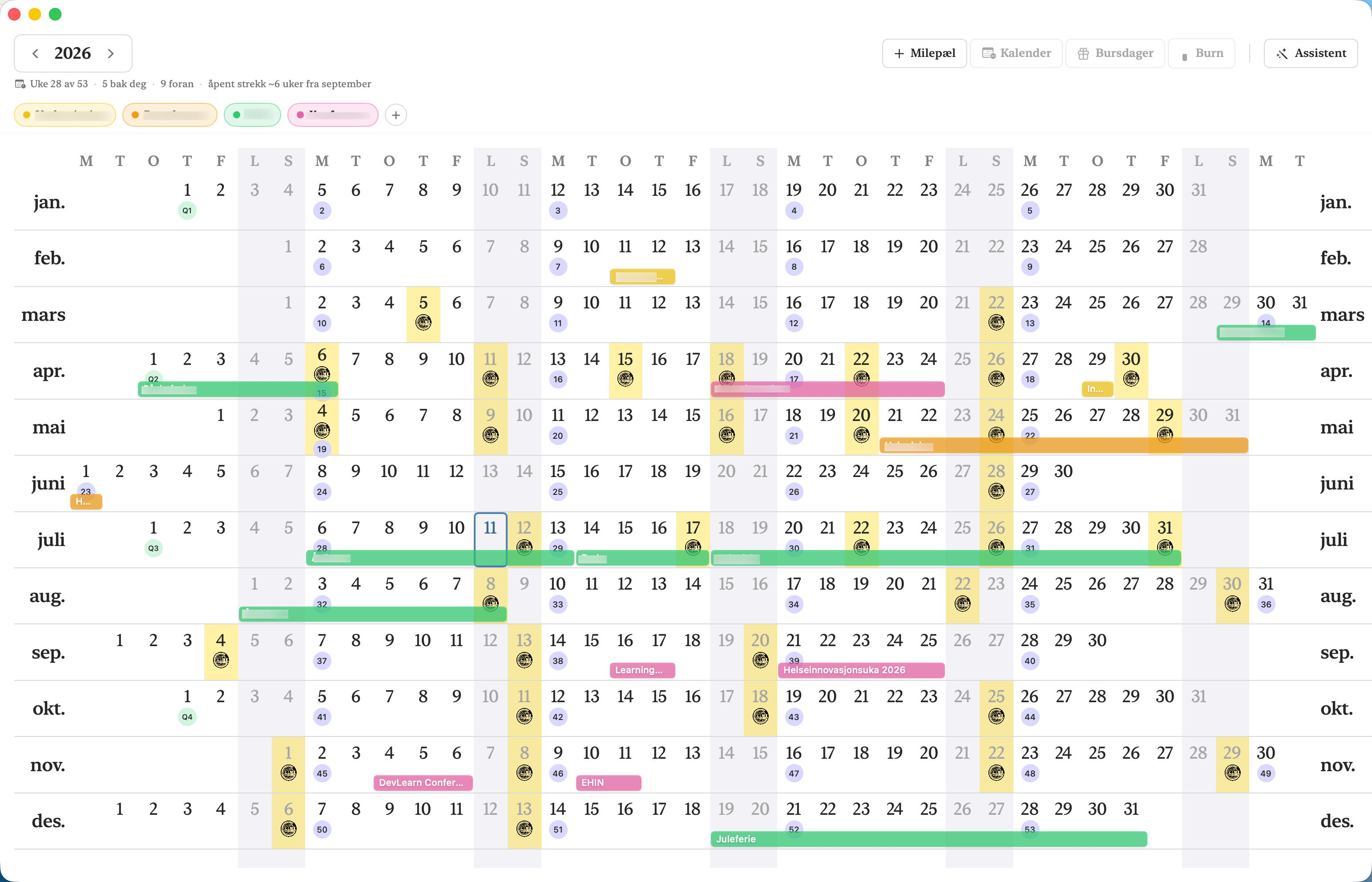
Where the idea comes from
The linear calendar is Nick Milo's idea, not mine. His observation is simple and quietly radical: most calendars show you a week or a month, so you plan in weeks and months — while the things that actually shape a year (a project, a training block, a long vacation, a season of caring for someone) live on a scale no week view can show. His printable Linear Calendar lays the year out as twelve rows on a single sheet, and people who use it report the same thing: seeing the year changes how you spend it.
This app is a native Mac interpretation of that idea — the same twelve-rows-at-a-glance layout, made live: your existing calendars, birthdays, and plans drawn onto it, and milestones you can lay out, drag, and rework as the year unfolds. It is an independent project and not affiliated with Nick Milo, but it wouldn't exist without him. As he puts it: “Life is bigger than a week.”
What it does
Every month is a row, every day a column. Onto that grid the app draws your milestones — colored bars for trips, deadlines, projects, and the quiet efforts that never get calendar entries. Events from Apple Calendar appear alongside as small dots, birthdays from your contacts as faces, and any ICS feed (your football team's fixtures, say) with its own icon and color.
Because the whole year is visible, the app can tell you things a week view can't: a quiet Burn heat-map flags stretches where you've stacked too much on yourself, and a one-line read-out shows where you are — week 28 of 53, what's behind you, what's ahead, and your longest open stretch still to come. Vacations count as rest, not load.
An optional AI assistant can lay out your year in conversation, find event dates, and run guided year reviews. It is strictly bring-your-own: a Claude API key, or any OpenAI-compatible endpoint — including a local model via Ollama, which never leaves your Mac. Everything else works without it.
Your data
Local-first. Milestones live on your Mac and, if you're signed in to iCloud, sync through your own private iCloud database — never a third-party server, because there isn't one. No analytics, no tracking, no account. When the app ships, the source will be published on GitHub under the MIT license — so you can read exactly what it does, or build your own.
About the icon
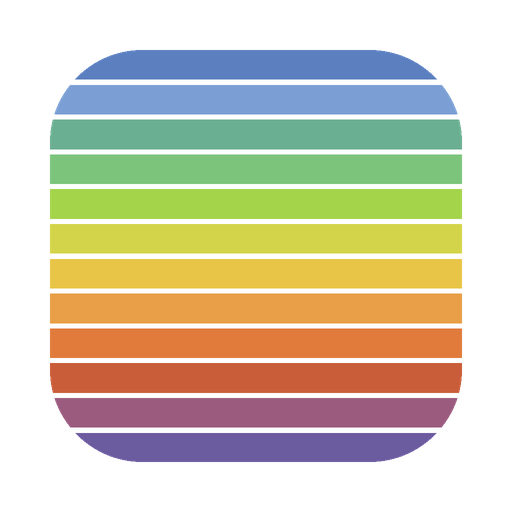
The icon is the app in miniature: twelve bars, one for each month, in the colors of the year as it passes on the northern hemisphere — January's cold blues easing into spring greens, the warm yellows and oranges of high summer, autumn's rust, and back down to winter violet. Every color is a month. The whole year in one glance, again.
Inside the app you can choose between three icon styles — Bars, Spectrum and Arctic Sunrise — and the Dock follows your choice.